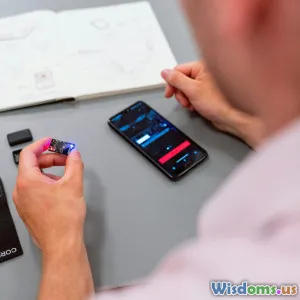
BluetoothハッキングとWiFiクラッキングの脅威を比較する
(Comparing Bluetooth Hacking and WiFi Cracking Threats)
13 分 読み取り 現代のサイバーセキュリティにおけるBluetoothハッキングとWiFiクラッキングに関連するリスクと攻撃手法を探求し、比較します。 (0 レビュー)
BluetoothハッキングとWiFiクラッキングの脅威を比較
無線技術は私たちの日常生活に深く根付いており、ヘッドホンやスマートウォッチからノートパソコン、接続されたスマートホーム機器に至るまで、さまざまなものを動かしています。しかし、これらの利便性が増すにつれて、無線の脆弱性を悪用しようとするサイバー犯罪者の戦略やツールも増えています。さまざまな脅威の中で、BluetoothハッキングとWiFiクラッキングは依然として最も関連性が高く、誤解されがちな二つです。この記事では、これら二つの無線リスクの基本的な違いを分解し、現実世界の攻撃シナリオを強調し、デバイスとデータを保護するための実践的な指針を提供します。
The Wireless Landscape: How Bluetooth and WiFi Differ
一見すると、BluetoothとWiFiは似ているように見えるかもしれません。どちらもデバイス間の無線通信を実現する標準であり、どちらも RF波を利用しています。しかし、それぞれの目的は異なり、動作する電力レベルが異なり、独自のセキュリティ上の影響があります。
Bluetoothは、通常10メートル程度の短距離通信を想定して設計されており、電力効率が高く、イヤホン、フィットネストラッカー、スピーカーなどの周辺機器を接続するのに最適です。WiFiははるかに広い範囲をカバーし、より大きな帯域幅を提供し、ノートパソコン、スマートフォン、スマートホームハブをローカルエリアネットワーク経由でインターネットに接続します。
Example: スマートフォンをワイヤレスヘッドセットとペアリングするのは Bluetooth ベースの接続ですが、家庭内ネットワークを介してノートパソコンからテレビへ動画をストリーミングするのは WiFi を使った接続です。
The security models and attack surfaces for these technologies are different by design, making it vital to analyze their threats independently before comparing their impacts.
Bluetooth Hacking

Bluetoothハッキングは、Bluetoothプロトコルまたはデバイスの実装の脆弱性を悪用し、しばしば攻撃者がBluetooth接続を傍受、操作、またはデータの挿入を可能にします。これらの攻撃の仕組みを理解することは、彼らの独自の課題を浮き彫りにします。
一般的な Bluetooth 攻撃ベクトル:
- Bluejacking: 攻撃者は近くの Bluetooth デバイスに対して未承諾のメッセージを送信します。主に迷惑行為ですが、フィッシングにも利用されることがあります。
- Bluesnarfing: 認証を回避して、標的デバイス上の情報へ不正にアクセスします(連絡先リストやSMSなど)。
- Bluebugging: 攻撃者にデバイスの完全な制御を与え、電話をかける、メッセージを送る、会話を盗聴するなどの行為を可能にします。
- Bluetooth Low Energy (BLE) Attacks: 電力効率の高い IoT機器の脆弱性を悪用します。しばしば堅牢なセキュリティ実装を欠くことがあります。
注目の例: 「BlueBorne」攻撃
2017年、Armis Labsのセキュリティ研究者は、数十億のBluetooth対応デバイスに影響を及ぼす一連の脆弱性としてBlueBorneを公表しました。BlueBorneにより、Bluetoothの範囲内にいる攻撃者がリモートでコードを実行し、通信を傍受し、マルウェアを伝播させることが可能でした。重要なのは、被害デバイスとのペアリングや相互作用は不要だったことです。
Armisによると、BlueBorneが初めて公表された時点で、53億台以上のデバイスが脆弱でした。パッチは迅速に開発されましたが、未パッチのデバイスは今なお数年経過して脆弱性の影響を受け続けています。
Bluetooth Hacking Tools
Attackers often use tools like Bluesnarfer, Bluediving, and BlueMaho to automate discovery and exploitation. Portable Raspberry Pi-based attack kits loaded with these tools can fit in a backpack, making low-profile, location-based Bluetooth attacks simple to execute in public areas.
The Mechanics of WiFi Cracking

WiFiクラッキングは、無線ネットワークデータの機密性と完全性を標的とします。通常は認証情報の収集、マルウェアの挿入、機密情報の傍受を目的とします。主要な脅威は、無線ルーターとその暗号化を侵害することにあります。
重要なWiFi攻撃戦略:
- パケットスニフィング(パケットスニファリング):
Wiresharkのようなツールを用いて暗号化されていないトラフィックを捕捉し、ネットワーク上で送信されるパスワードや機微な文書を露呈することがあります。 - WEPクラッキング: WEP(Wired Equivalent Privacy)を使用する旧式のネットワークは、鍵スケジューリングの弱さとIV再利用のため、総当たり攻撃で数分以内に解読され得ます。
- WPA/WPA2 PSKクラッキング: より現代的ですが、パスワードが弱い場合は依然として脆弱です。攻撃者はデバイスに再接続を促し、「4ウェイハンドシェイク」を捕捉し、辞書攻撃を用いてパスワードを推測します。
- Evil Twin/Man-in-the-Middle: 攻撃者は正当なネットワークを模倣した不正な WiFi アクセスポイントを設置し、ユーザーを接続させてデータや認証情報を盗み取ります。
注目の例: KRACK
2017年、世界中のWiFiユーザーを震撼させた「KRACK」攻撃。KRACK は WPA2 プロトコルのハンドシェイク過程の弱点を突き、範囲内の攻撃者により、これまで安全とされていた多くの種類の無線トラフィックを解読できるようにします。この脆弱性は、WPA2を介して接続するほぼすべてのデバイス—ルーター、ノートパソコン、スマートフォン、さらには IoT デバイスにまで影響しました。
WiFi Cracking Tools
Aircrack-ng, Reaver, and Fluxion のようなツールは、ネットワークの発見、パケットのスニフィング、鍵の解読を容易にします。市販のWiFi USBアダプターを使えば、どんなノートパソコンでも強力なハッキングデバイスに変えることができ、WiFiクラッキングがいかに身近なものであるかを示しています。
Bluetooth vs. WiFi: Comparing the Attack Surface

While both Bluetooth and WiFi operate over wireless spectra, their innate design differences shape the risks they carry and the types of attackers they attract.
Range and Exposure
- Bluetooth: 通常は最大で10メートルに制限され、現代のデバイスは長時間にわたり発見可能モードでデータの大半を送信することはほとんどありません。
- WiFi: 家の敷地全体、ひいては建物の外部にまで見えることがあり、特にブーストされたアンテナを用いる場合には攻撃対象となり得ます。
洞察: Bluetooth攻撃は一般に近接した場所にいる攻撃者を必要とします。WiFiクラッキングは隣接するアパートや公共の場の外部からも可能であり、多くの場合検出されません。
User Behavior and Device Diversity
- Bluetooth: 小型デバイスに広く普及しています — ヘッドホン、時計、医療センサー、車載オーディオ、フィットネス用の“スマート”ウェアラブルなど。
- WiFi: ルーター、コンピューター、モバイルデバイス、スマートテレビ、スマートホームハブで動作します。
Bluetoothの到達範囲は現在、個人の健康と安全アプリケーションへとさらに深く広がっており、妥協が起こればペースメーカー、血圧計、車のロックなどに影響を及ぼす可能性があります。対照的に、WiFiハックは家庭内またはオフィスネットワーク全体へ横方向の攻撃を許すことが多く、同じホットスポットに接続されたすべてのものを脅かします。
Attack Complexity
-
Bluetooth: ほとんどの脆弱性は、デバイスが発見可能モードであるか、古いファームウェアを搭載していることを前提とします。いくつかの攻撃(例: BlueBorne)はこれらの制限を回避し、基盤となるプロトコルの欠陥を標的とします。
-
WiFi: 攻撃者はハンドシェイクパケットをキャプチャする必要があり、成功は脆弱なパスワードや未パッチのソフトウェアに依存します。Evil Twin のような攻撃は暗号化を解読するのではなく、信頼とユーザーエラーを悪用します。
Impact Severity
Both technologies pose serious risks, but the consequences vary widely. A successful Bluetooth attack may grant access to private communications or enable local manipulation of IoT devices. A WiFi crack, meanwhile, could open the floodgates, revealing all data moving across the network — web logins, emails, or worse.
Real-World Attack Scenarios: Bluetooth Breaches in Action

Let’s illuminate Bluetooth hacking with modern scenarios involving consumers and organizations:
1. Rogue Device in Public Transit
A security researcher, posing as an average commuter, hides a Bluetooth-enabled Raspberry Pi in a backpack while riding a train during rush hour. The automated setup scans for discoverable devices, logs sensitive device names and vendor details, and attempts known exploits on unpatched smartphones and wearables. In less than an hour, dozens of device contacts and text messages are covertly siphoned.
2. Attacking Hospital IoT Gear
Medical environments increasingly rely on Bluetooth for tracking equipment, monitoring vitals, and transmitting sensor data. In a recent test, cybersecurity consultants discovered hospital inventory scanners with default pairing codes and no firmware updates. A simulated attacker walked within range and intercepted real-time location data, highlighting the need for rigorous device auditing and patch policies in healthcare.
3. Conference Room Espionage
At a large conference, an attacker launches Bluejacking campaigns and sets up a rogue Bluetooth headset with a familiar brand name. Unsuspecting users attempting to pair inadvertently route all audio through the attacker’s hardware, enabling eavesdropping — especially in executive breakout sessions.
High-Profile WiFi Cracking Incidents
The widespread adoption of WiFi technology in homes, businesses, and public spaces makes it an enticing target for both mass attackers and cyber-espionage operations. Here's how WiFi cracking plays out in the real world.
1. Public WiFi Hotspot Attacks
Coffee shops and airports with open WiFi are ripe for exploitation. Attackers create "Evil Twin" access points that mimic legitimate SSIDs (network names); when patrons connect, their unencrypted traffic is easily harvested. In 2018, security firm Avast found that 44% of public WiFi users' personal information — from emails to bank credentials — could be intercepted within minutes.
2. Corporate Espionage and Drive-By Attacks
In a celebrated 2010 case known as "WarDriving," cybercriminals used cars outfitted with directional antennas to roam city streets, mapping and cracking thousands of WEP-secured business networks at blast speed. Similar techniques today target weak WPA2 passphrases, aiming to breach office networks for competitive intelligence or to install ransomware.
3. Smart Home Exploitation
A recent study by the University of Michigan found that more than half of smart home networks tested in a residential neighborhood used default router credentials or insecure WiFi settings. Once attackers gained access, they took control of security cameras, thermostats, and alarm systems remotely.
Defending Against Bluetooth-Based Attacks
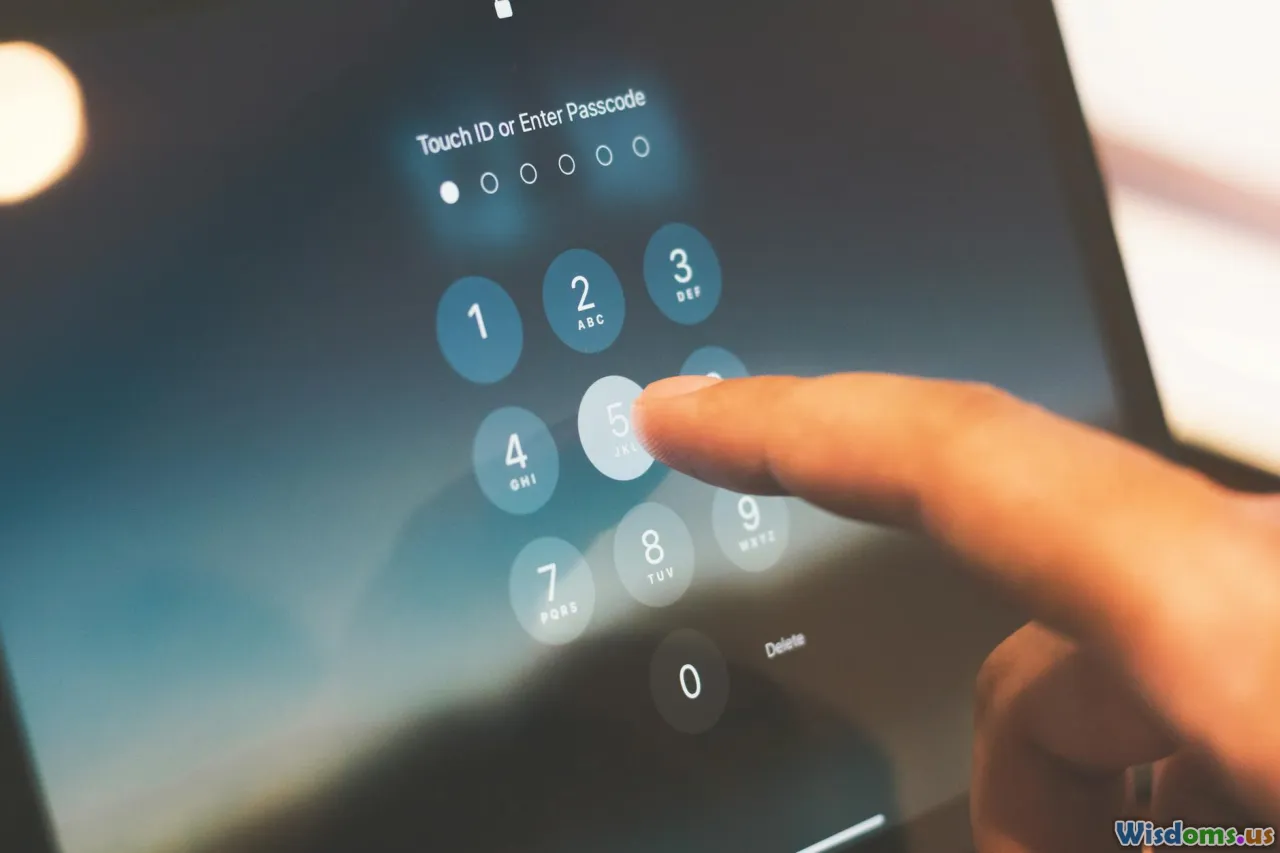
Mitigating Bluetooth risks doesn’t require paranoia, but it does call for smart, proactive habits. Consider these steps:
- Update firmware regularly for all Bluetooth-enabled devices, especially those with sensitive roles.
- Turn off Bluetooth when not actively using it — especially in crowded, unfamiliar spaces.
- Limit discoverability: Set devices to "non-discoverable" unless actively pairing.
- Monitor paired devices: Remove obsolete or suspicious entries from your device’s Bluetooth settings.
- Avoid default PIN codes: Always change the default pairing code, even for obscure IoT devices.
Insider Tip: On travel or in busy locations, keep Bluetooth off. Many attacks, especially automated ones, are opportunistic.
Defending Against WiFi Cracking

Robust WiFi defense supplements any home, office, or mobile security regimen.
- Use WPA3 encryption, if supported, or WPA2 with a strong, complex passphrase.
- Change default router credentials: Administrative rights are often left at factory settings, easy prey for attackers.
- Keep router firmware updated: Set reminders, as router manufacturers often release silent critical patches.
- Disable WPS (WiFi Protected Setup): Bruteforcing WPS PINs remains a popular avenue for WiFi crackers.
- Hide SSID broadcasting: While not foolproof, reducing your network’s visibility blocks drive-by attacks by the casual opportunist.
- Cautious public use: Always treat public WiFi as hostile — prefer cellular networks, use VPNs for any sensitive tasks, and avoid auto-connecting to open networks.
Insider Tip: Invest in high-quality, modern WiFi hardware. Cheap, outdated routers often lack robust security measures.
Best Practices for Personal and Organizational Security
While technical defenses matter, the human element remains crucial. Here are actionable steps individuals and security professionals can take to bolster wireless security:
For Individuals
- Security Awareness: Regularly attend to device notifications and update suggestions, treating them as critical.
- Multi-Factor Authentication: Whenever possible, turn on MFA for WiFi portals, apps, and even device unlock screens.
- Network Segmentation: Use guest networks for visitors and smart home devices to isolate sensitive personal data.
For Organizations
- Policy Enforcement: Design comprehensive wireless use policies — restrict Bluetooth to vetted devices, scan for rogue access points regularly.
- Continuous Training: Teach staff about the dangers of pairing with unknown devices or joining suspicious WiFi networks.
- Incident Response: Have clear plans for what to do in the event of device compromise; practice tabletop exercises simulating wireless breaches.
- Device Inventory: Know exactly what hardware communicates over Bluetooth or WiFi, especially in regulated industries (healthcare, finance, manufacturing).
The Evolving Threat: Tomorrow’s Bluetooth and WiFi Security Landscape
The lines between Bluetooth and WiFi — and their vulnerabilities — continue to blur. Emerging trends, from 5G-driven IoT to AI-powered hacking tools, mean that defenses deployed today may become obsolete tomorrow.
Innovators in both fields are addressing these risks:
- Bluetooth SIG (Special Interest Group) is developing improved key management and encryption for future protocol versions.
- WiFi 6 and WPA3 promise stronger privacy, resisting many current attacks. Yet rollout and adoption lag behind, especially for low-cost or legacy devices.
The Internet of Things compounds this challenge. Many "smart" home devices, printers, medical gear, and wearables are built for lowest cost, often with little attention to long-term firmware support or security best practices. As these permeate sensitive areas of our lives — controlling locks, recording video, tracking health — their exploitation multiplies the risk to privacy, safety, and even physical well-being.
Actionable Advice: Always check if your devices, whether at home or work, will continue to receive security updates before buying. Vendors with transparent update policies and active support forums are typically more trustworthy.
No single tool or technique guarantees safety, and no wireless network is absolutely immune to sophisticated attackers. But awareness, layered defenses, and informed behavior offer strong odds against the most common forms of Bluetooth and WiFi exploitation.
Ultimately, keeping your digital and physical spaces secure isn’t about fearing technology; it’s about using it wisely. As wireless innovation races ahead, let vigilance, education, and responsibility be your first and best lines of defense.